On the Admin Dashboard, view your subscription details, including the trial days left, plan, and next invoice date.
1. Subscribe to a Plan
· Click Subscribe on the notification panel.
· Confirm in the popup dialog, which will generate an invoice.

A popup dialog will show and allow you to confirm the upgrade.
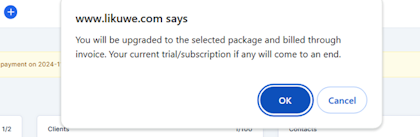
Go ahead and select OK button.
An invoice will then be generated.
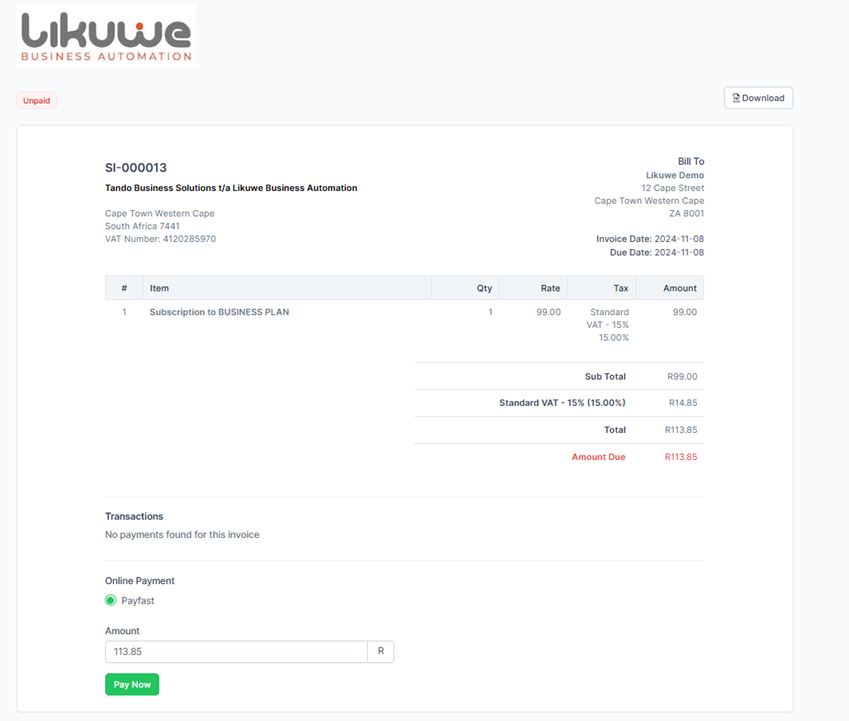
To make a payment click on the Pay Now button.
You can also access your account from the menu. Go to Menu > Setup > Settings > My Account > Invoices.